How to Use Text In Church for VBS: A Complete Communication Playbook
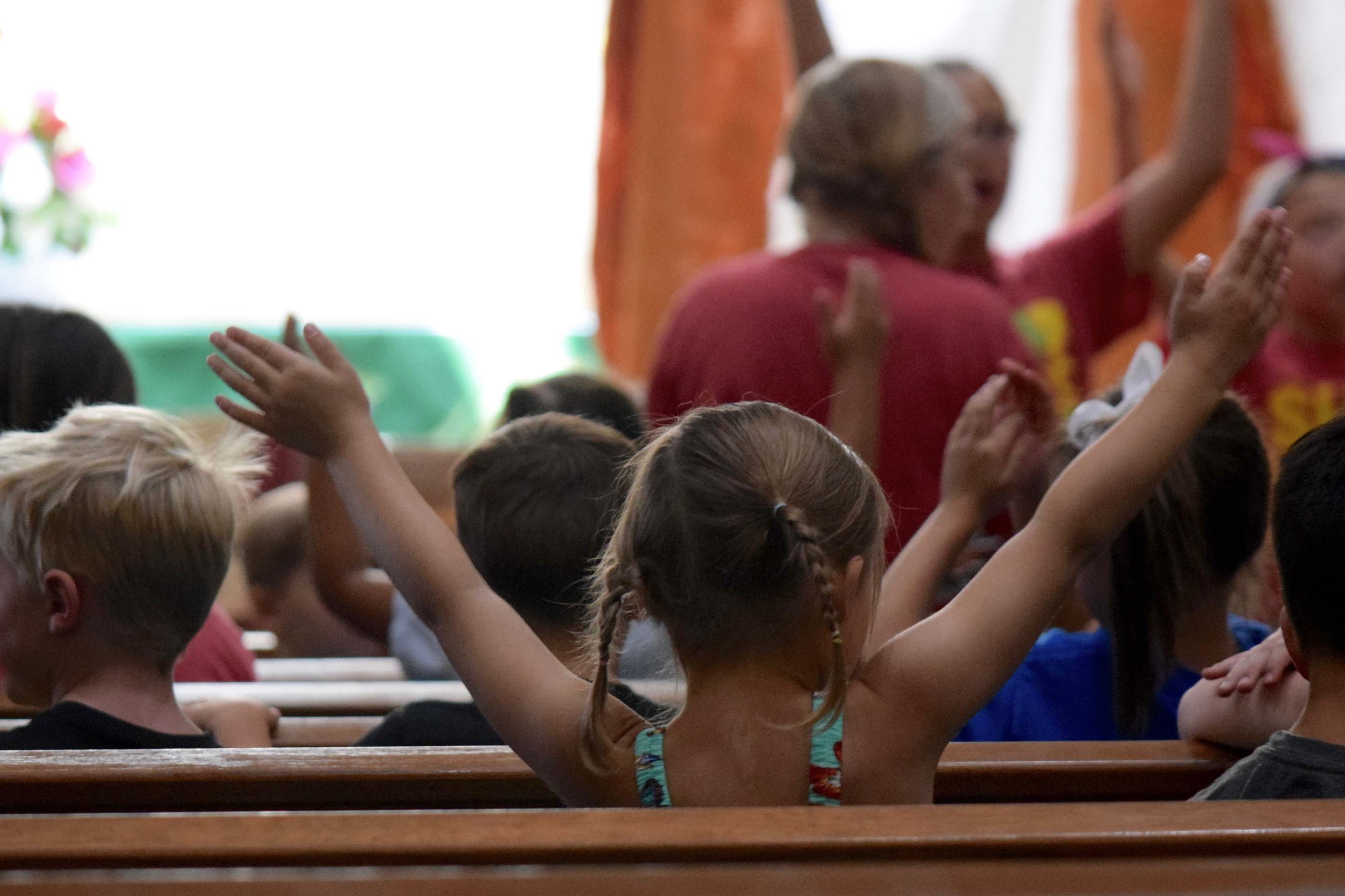

Every summer, churches pour enormous energy into Vacation Bible School. You recruit volunteers, order supplies, plan activities, and create an experience kids will talk about for weeks.
And then the week ends. The volunteers scatter. The families go home.
And most of them never hear from your church again.
Not because your team didn't care. Because there was no system in place to keep the connection going.
VBS is one of the biggest outreach opportunities of the year. Hundreds of kids and families walk through your doors, many of them with no existing relationship with your church. What happens before, during, and after that week determines whether VBS is a one-time event or the beginning of something lasting.
The difference almost always comes down to communication.
This post walks you through exactly how to use Text In Church to build a VBS communication system that keeps volunteers confident, parents informed, and families coming back long after the closing ceremony.
Want the ready-to-use templates to go with it? Download your free VBS Communication Plan and get a full library of texts and emails you can send before, during, and after VBS.
Why VBS Communication Breaks Down
Here's what typically happens on a VBS team.
Someone builds a great plan. Roles are assigned. The schedule looks solid. Then the week arrives, and it turns out three volunteers didn't see the training information, two families showed up on the wrong day, and nobody sent the post-VBS follow-up because everyone assumed someone else had it handled.
The problem isn't effort. It's systems.
When communication is scattered across personal phones, group texts, and email threads that half your team ignores, things fall through the cracks. When it's organized and automated, your whole team operates with clarity and your families feel cared for every step of the way.
Text In Church gives you one platform to manage all of it. Here's how to use it.
Before VBS: Build Your Groups and Start Recruiting
Groups: Organize Everyone Before Day One
Before you send a single message, build your groups in Text In Church. Having the right people in the right groups is what makes every other step work.
Here are the groups worth setting up:
- Past VBS families (your invite list for this year)
- Current registrants (families who have signed up)
- Past volunteers (people who have served before)
- Current volunteers (confirmed for this year)
- VBS families not yet connected to your church
- VBS families already attending your church
- Prayer team (for targeted prayer requests during the week)
Separating registrants from your invite list matters more than it might seem. Once someone registers, you want to stop sending them "register now" reminders and start sending them "here's what to expect" messages instead. Text In Church lets you automate that handoff so it happens without anyone having to remember.
Connect Pages: Recruit Volunteers Where They Already Are
Use a Connect Page to share a short video with your congregation casting the vision for VBS and inviting people to serve. Add a clear call to action that takes them directly to your volunteer sign-up form.
A Connect Page lets you share that link anywhere, including in a text, an email, on your website, or from the stage, and it tracks who engages. You can also use QR codes on printed materials that link directly to your Connect Page, making it easy for people to sign up from their phones in the moment.
Digital Receptionist: Let Your Phone Line Do the Work
Set up a menu option in your Digital Receptionist specifically for VBS. For example:
"For information about VBS this summer, press 4." "To register your child for VBS, press 5 to receive the registration link." "To hear about donation needs for VBS, press 6."
This is especially useful in the weeks leading up to VBS when your office is fielding the same questions repeatedly. Let the phone system answer them automatically so your team can focus on the work that actually needs them.
Automated Workflows: Two Lists, Two Workflows
Set up two separate workflows before VBS begins.
The first is for your invite list: families from last year or community contacts who haven't registered yet. This workflow sends a series of friendly reminders encouraging them to sign their kids up.
The second is for registered families: once someone registers, they move out of the invite workflow and into a new one that sends confirmation details, what to wear, where to check in, and what to expect on day one.
This is one of the most practical things you can build in Text In Church before VBS week arrives. It runs automatically, and families get exactly the right message at exactly the right time.
Click here to learn more about automated workflows and how to set them up in your account.
Tasks: Keep Your Team Accountable
Use Tasks in Text In Church to assign key prep items with due dates so nothing slips through the cracks. A few examples that work well:
- Someone signs up to volunteer: assign a task to the team captain to personally reach out, welcome them, and confirm their role.
- T-shirt order deadline approaching: assign a task with a due date so it doesn't get forgotten.
- Social media posts need to be queued: assign it with a specific date attached.
Tasks keep your team operating like a system instead of a group of well-meaning people hoping someone else remembered.
During VBS: Keep Volunteers Ready and Parents Connected
Groups: Real-Time Communication When Plans Change
Even the best-prepared VBS week has surprises. A storm rolls in and you need to move games inside. A room change happens last minute. A schedule shift affects three different teams.
Groups in Text In Church let you get the right message to the right people immediately. Text your volunteer team in seconds without having to search for numbers in a panic or waiting to find someone in the hallway.
Automated Workflows: Volunteer Check-Ins
Build a daily check-in workflow for your volunteers that goes out each morning before VBS starts. A short encouraging message, a reminder of where they're needed, and a note of appreciation goes a long way toward keeping your team energized through a full week of serving.
Connect Pages: Daily Parent Updates
This one changes how parents experience VBS.
Each day, send parents a Connect Page link that includes a short recap of the day, the Bible verse or theme their child learned, a conversation starter they can use at dinner, and a reminder for the next morning.
Most parents drop their kids off and have very little visibility into what's actually happening. A daily update keeps them connected to what their child is learning and helps them continue those conversations at home. It also keeps your church top of mind in a genuinely helpful, non-promotional way.
As one Text In Church member shared: "Many of our first-time guests have told us, 'You are the only church that's communicated with us when we've reached out.'" That kind of intentional follow-through builds trust quickly, and VBS families are paying attention.
Connect Pages: Volunteer and Congregation Updates
Use a Connect Page to share daily highlights and stories of impact with your congregation and volunteers. A short video recap, a photo from the day, or a story about a kid who made a decision during the program turns your congregation into invested participants even if they're not on-site.
QR Codes on Take-Home Materials
Put a QR code on every take-home item that links to a parent resource page. Song playlists, memory verse videos, family conversation guides, and links to your kids ministry or family small groups can all live on a Connect Page that parents can find their way back to throughout the week.
After VBS: The Step Most Churches Skip
VBS ends on Friday. Saturday morning, most churches go quiet.
That silence is where the opportunity disappears.
The families who came to VBS, especially those with no existing church connection, are the most open they may be all year to hearing from you. They just had a positive experience with your church. Their kids are excited. The moment is warm.
What you do in the days and weeks after VBS determines whether those families take a next step or quietly drift away.
Automated Workflows: Your Post-VBS Follow-Up Sequence
Build a nurturing workflow for VBS families that keeps the connection going after the week ends. A simple schedule to start with:
- The Saturday after VBS: A warm thank-you message inviting the family to visit on Sunday
- One week later: Another gentle invitation to join you for a service
- Two weeks later: A personal message offering prayer for their family
- When your next kids event is announced: An invitation specifically for them
Set this up before VBS begins and it runs automatically. Your team doesn't have to remember to do it. Nobody drops the ball. Every family hears from you.
Groups: Stay Connected to Families Not Yet in Your Church
For VBS families who don't attend your church regularly, keep them in a dedicated group and continue reaching out with upcoming kids ministry events, service opportunities, and community activities. The goal isn't to push. It's to stay present until they're ready to take a next step.
Connect Cards and Surveys
Use a Connect Card to collect feedback from parents and volunteers after VBS. A post-event survey helps you improve next year and gives families one more touchpoint that shows you value their experience. A volunteer survey does the same and helps you identify your strongest leaders for next year.
One Platform. Every Conversation.
VBS week is loud and fast and full of moving parts. The churches that pull it off well aren't the ones with the most staff. They're the ones with the clearest systems.
Text In Church gives you one place to manage volunteer communication, parent updates, automated follow-up, tasks, and every group involved in your event. You build it before VBS starts and let it run while your team focuses on the kids in front of them.
And when VBS is over, the follow-up keeps going without anyone having to remember.
Download your free VBS Communication Plan and get the complete template library with ready-to-send texts and emails for every stage of VBS, before, during, and after.
Already a Text In Church member? Head into your account and start building your groups and workflows now. The earlier you set it up, the smoother the week will be.
Want to see how Text In Church works for your church's events and follow-up? Start a free 14-day trial or learn more about what's possible.


